@proberaum/backstage-plugin-config-viewer
Installation
# From your Backstage root directoryyarn --cwd packages/app add @proberaum/backstage-plugin-config-viewerLets admins read the (full) frontend and, optionally, the backend configuration of their Backstage instance.
Feature completeFeature complete, permission support might follow
A small Backstage plugin that allows admins read their (full) frontend, and optional backend configuration.
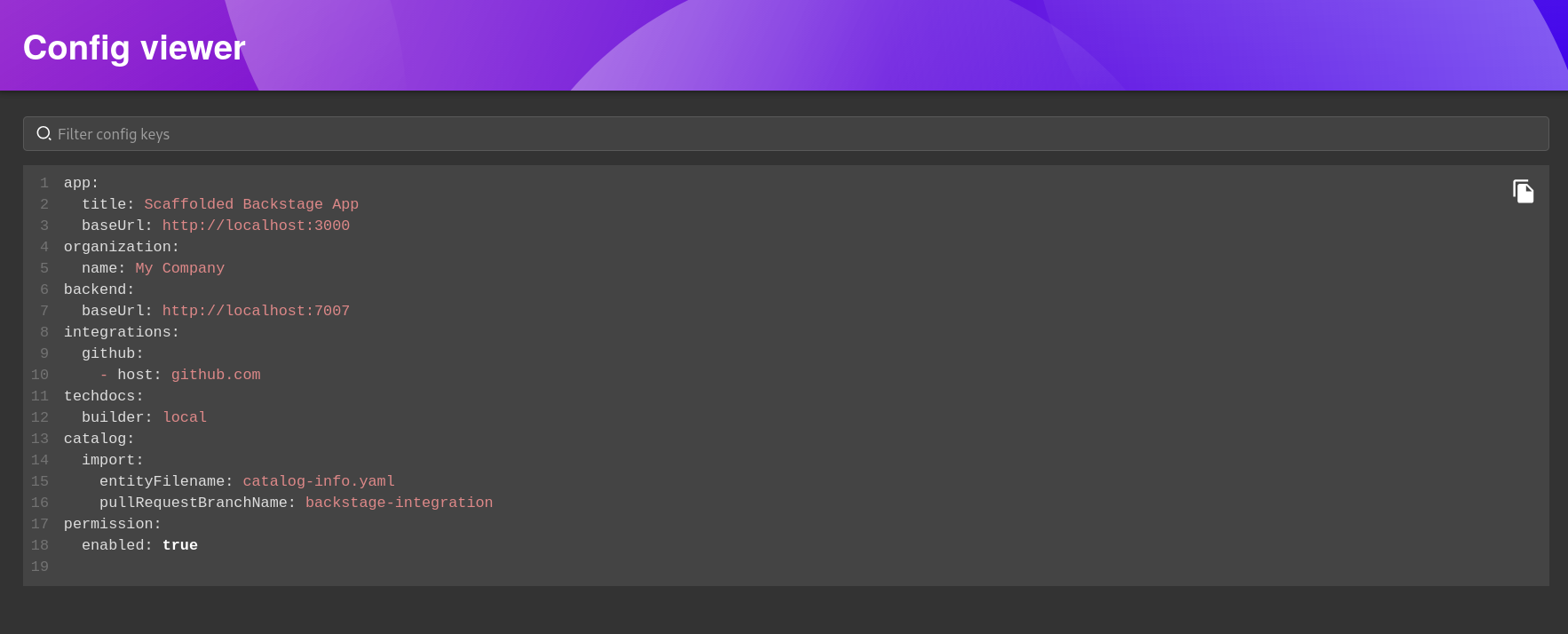
@proberaum/backstage-plugin-config-viewer# From your Backstage root directoryyarn --cwd packages/app add @proberaum/backstage-plugin-config-viewer@proberaum/backstage-plugin-config-viewer-backend# From your Backstage root directoryyarn --cwd packages/backend add @proberaum/backstage-plugin-config-viewer-backendconst backend = createBackend();// ...backend.add(import('@proberaum/backstage-plugin-config-viewer-backend'));This plugin backend was templated using the Backstage CLI. You should replace this text with a description of your plugin backend.
This plugin is installed via the @proberaum/backstage-plugin-config-viewer-backend package. To install it to your backend package, run the following command:
# From your root directoryyarn --cwd packages/backend add @proberaum/backstage-plugin-config-viewer-backendThen add the plugin to your backend in packages/backend/src/index.ts:
const backend = createBackend();// ...backend.add(import('@proberaum/backstage-plugin-config-viewer-backend'));This plugin backend can be started in a standalone mode from directly in this
package with yarn start. It is a limited setup that is most convenient when
developing the plugin backend itself.
If you want to run the entire project, including the frontend, run yarn start from the root directory.